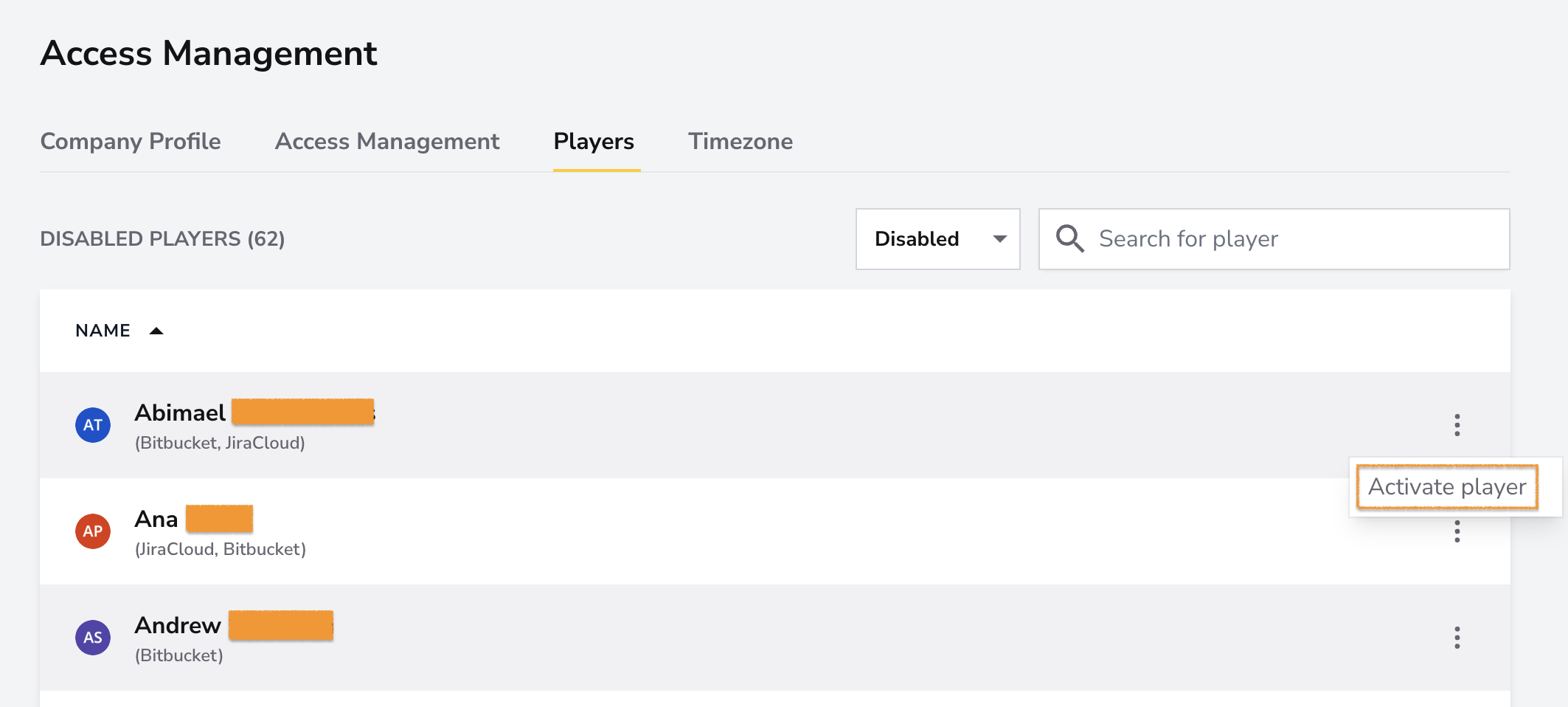
The Players feature lets you manage all players within your workspace. You can disable players across the entire workspace, merge duplicate accounts into a single player profile, and enable disabled players again.
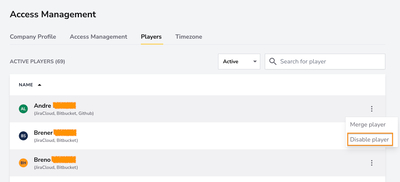
Click the three dots next to a player's name to disable them in your workspace.
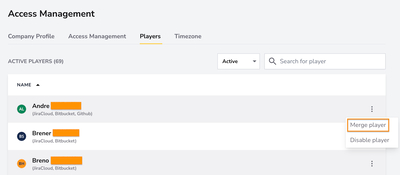
Click the three dots next to a player's name to merge a player with another player's account.
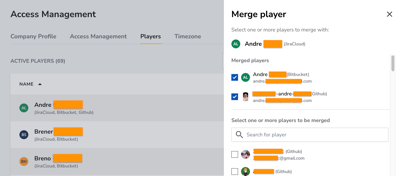
Now merge the player with duplicate accounts and click the "Merge players" button.
Open the disabled players list, click the three dots next to a player's name, and select Enable player. Select one or more squads in the sidebar, then click Enable.