Overview
This guide explains how to connect your GitLab account with DevStats to allow us to track metrics for you.
Steps
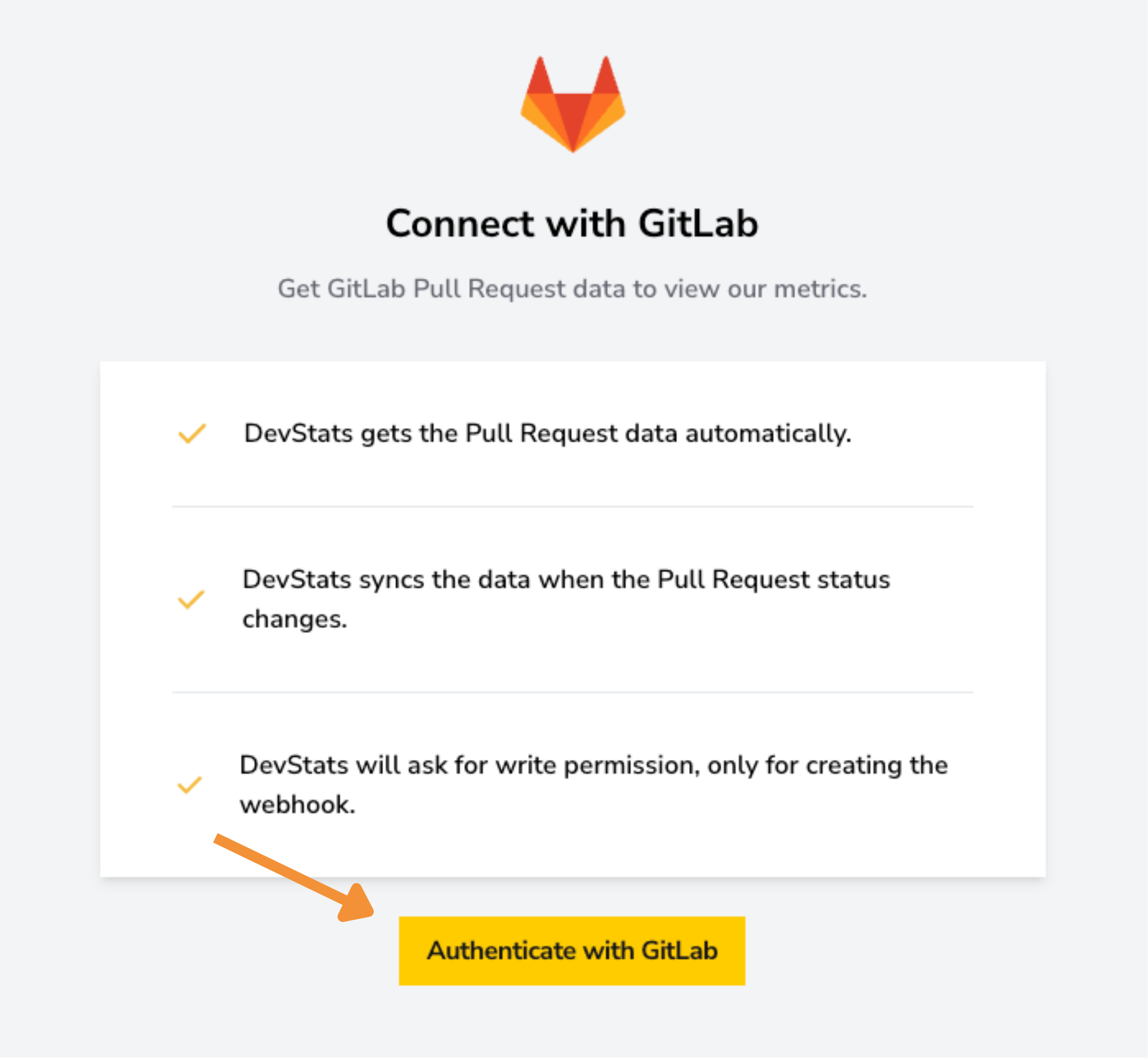
Click the "Authenticate with GitLab" button, and you'll be redirected to log in to GitLab.
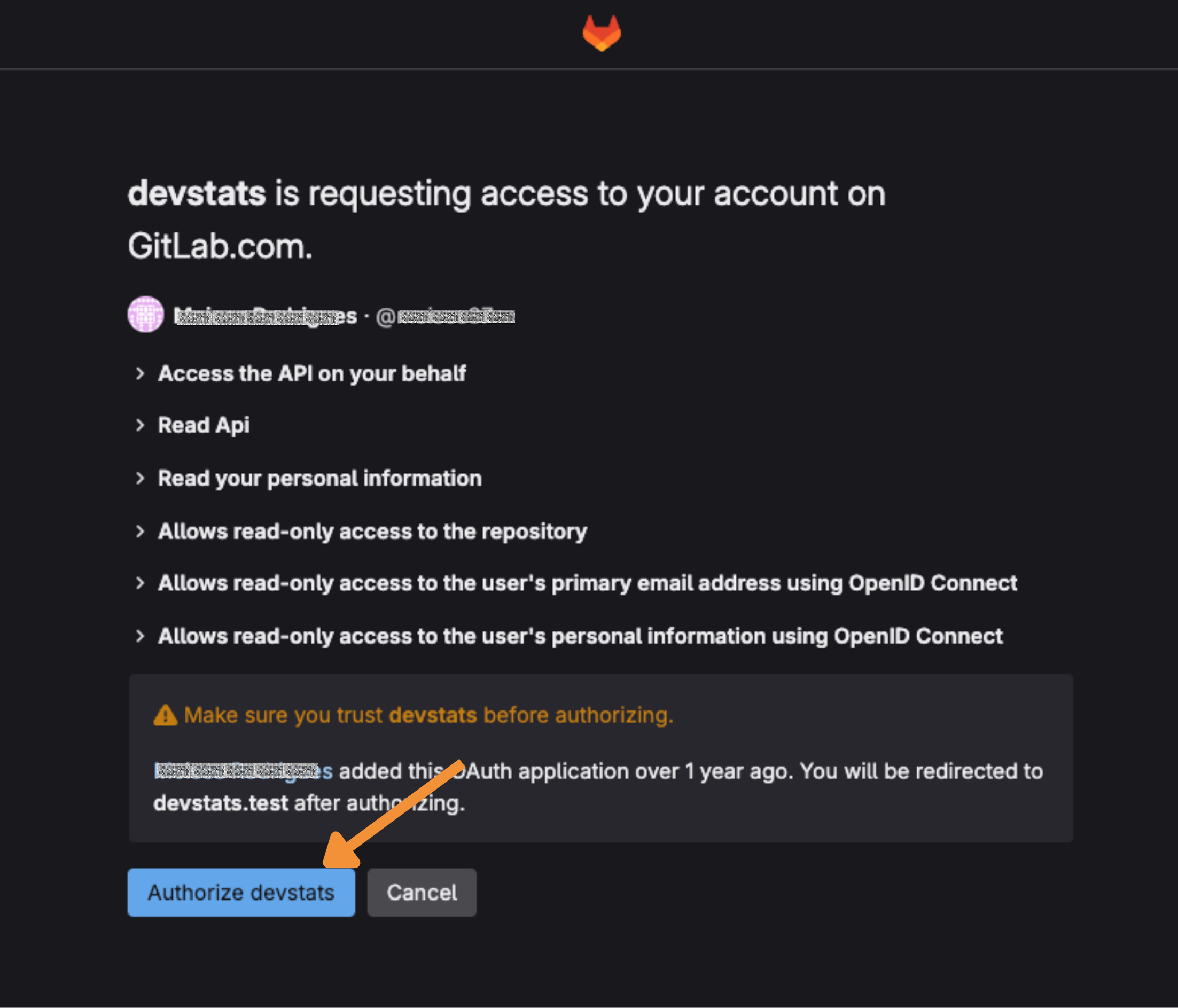
Once you're logged in, you need to grant DevStats access to your repositories so it can track your metrics.
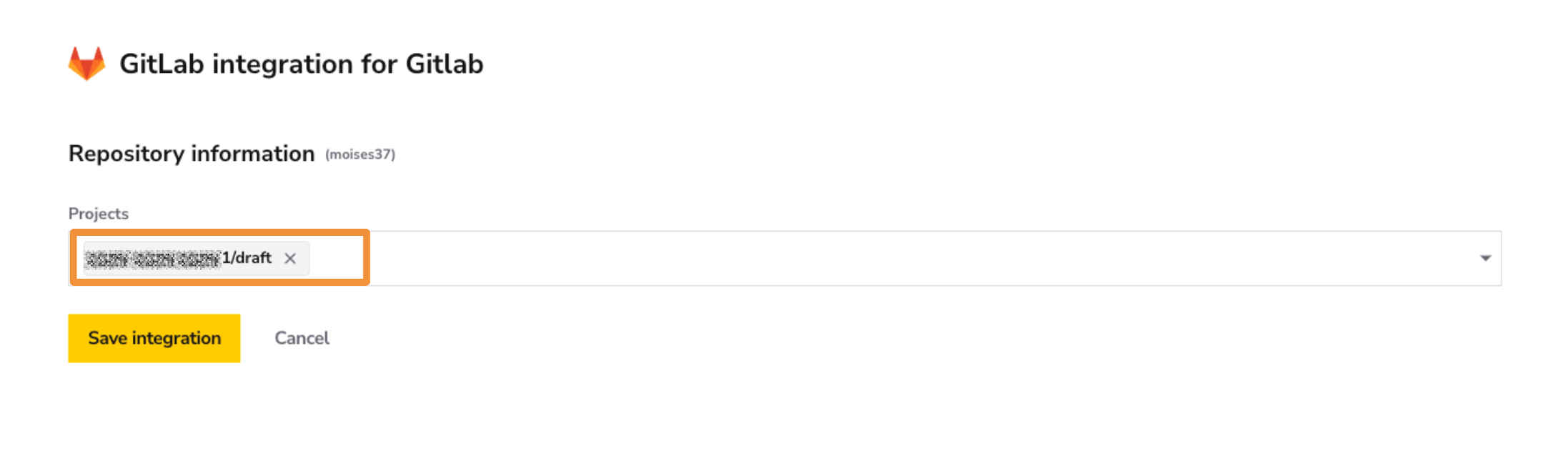
Choose the project you want DevStats to track for this squad and click Save Integration.
✅ Verify Integration
After saving your integration, you will likely see a message indicating that it is processing data. Depending on the size and history of your repository, the processing time can range from one hour to over a day.