Overview
This guide explains how to connect your GitHub account to DevStats, allowing us to track your metrics.
The GitHub Projects API does not retain a history of status and iteration changes, so past data cannot be recovered. However, once the integration is activated, all future changes will be captured via webhooks, ensuring precise and up-to-date synchronization.
Steps
Click the "Authenticate with GitHub Projects" button, and you'll be redirected to log in to GitHub.
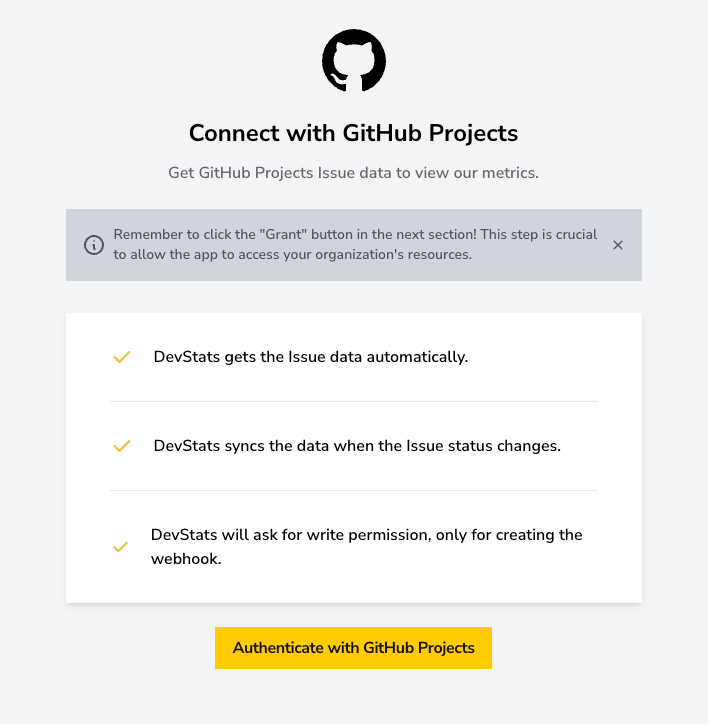
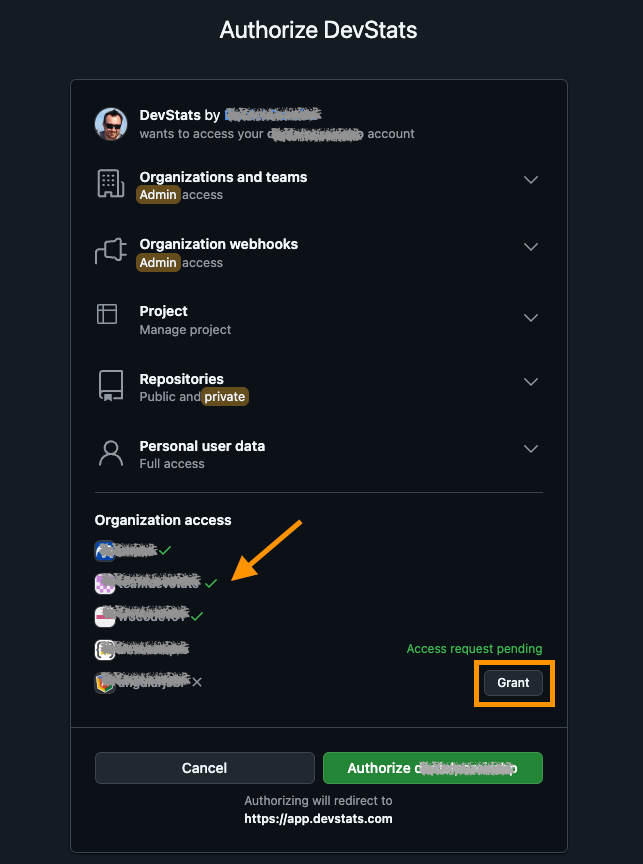
Once you're logged in, you will need to grant DevStats access so it can track your metrics.
Remember to click the Grant button for your organization on the authentication page. If you skip this step, GitHub will redirect you back to DevStats without granting access to your organizations.
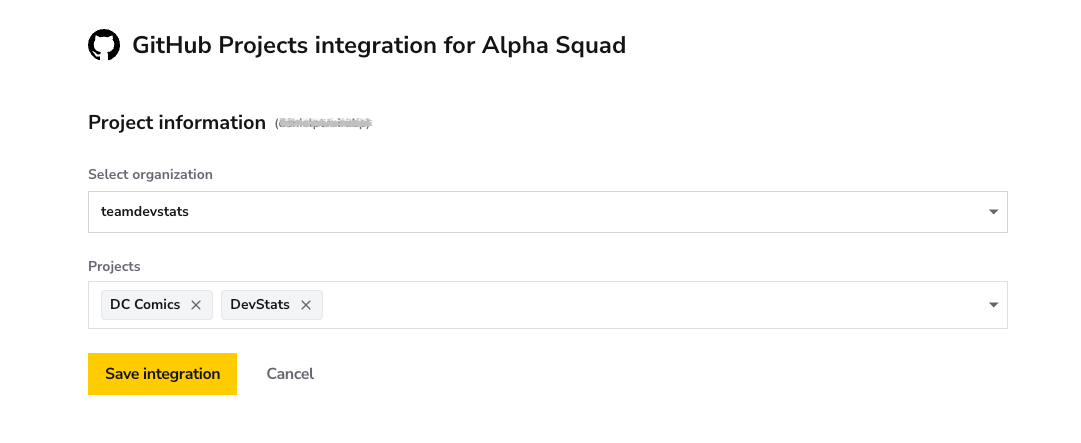
Choose the projects you want DevStats to track for this squad, then click Save Integration.
✅ Verify Integration
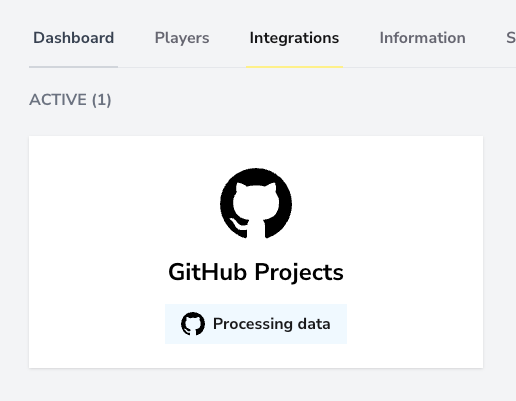
After saving your integration, you may see a message indicating that the data is being processed. Depending on the size and history of your projects, this process may take anywhere from an hour to more than a day.