Investment & Allocation
Balance your team's workload.
Understand how work is distributed across your team. Prevent burnout by ensuring balanced allocation.
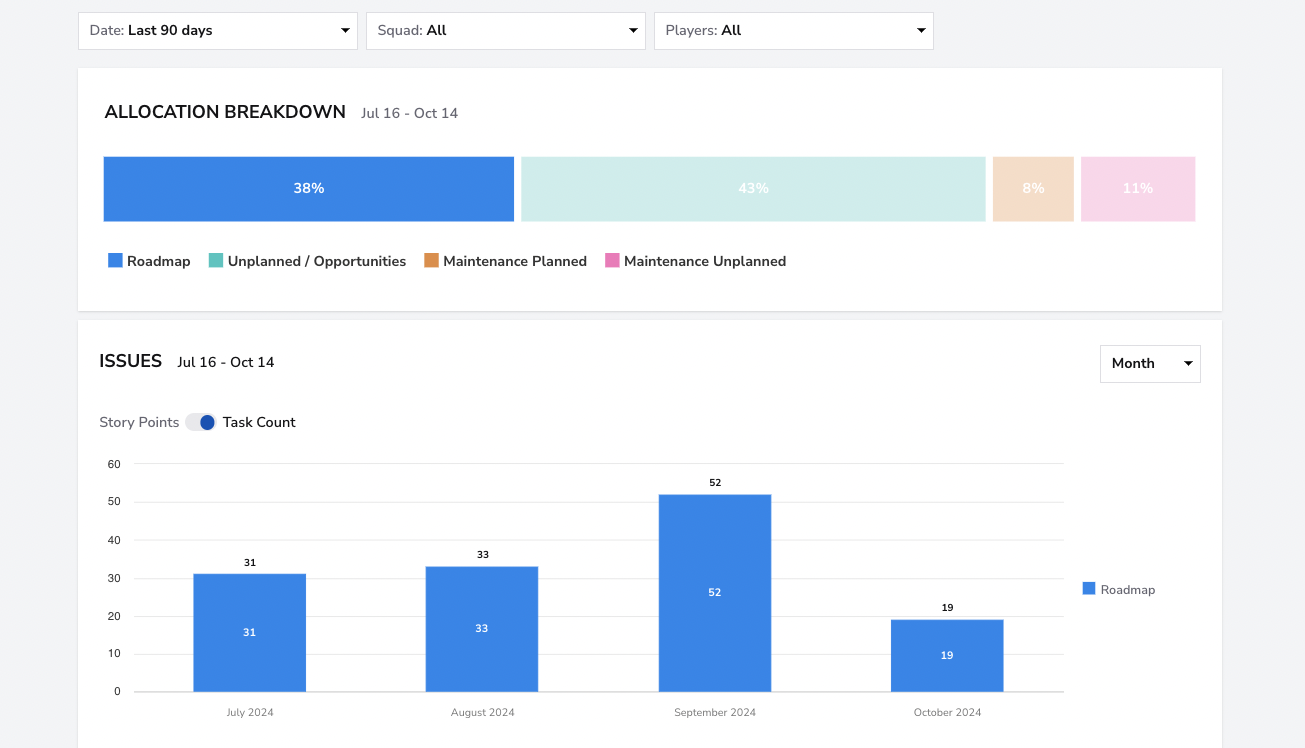
Distribution
See who's working on what
Get a clear view of how work is distributed across team members, projects, and work types.
- Per-person allocation view
- Work type distribution
- Cross-project time splits
Distribution
Balance
Detect imbalanced workloads
Spot when individual contributors are overloaded or when work isn't evenly distributed.
- Workload balance indicators
- Overallocation warnings
- Team capacity utilization
Balance
Team Alpha1.8d
Team Beta3.2d
Team Gamma2.4d
Team Delta4.1d
Optimization
Optimize team allocation
Use data to make better decisions about who works on what and when to rebalance.
- Data-driven staffing suggestions
- Skill-based allocation insights
- Historical allocation patterns
Optimization
Improved
On track
Needs attention
±15%
Workload variance (balanced)
0
Burnout incidents after optimization
20%
Better resource utilization